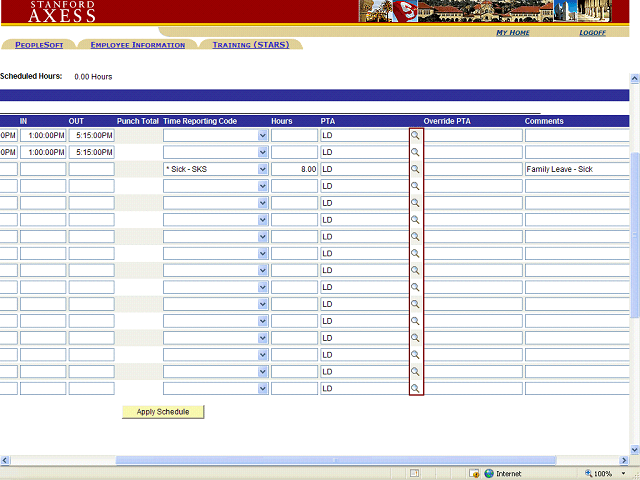
To change the PTA charged for the employee’s hours, click the Magnifying Glass next to the PTA column for the row you wish to change, then select a PTA from the list.
Note:
The PTA selection list is populated from the employee’s Oracle Labor Schedule. To change the default PTA, or to add or remove a PTA, contact your department administrator.