Other Timecard Navigations
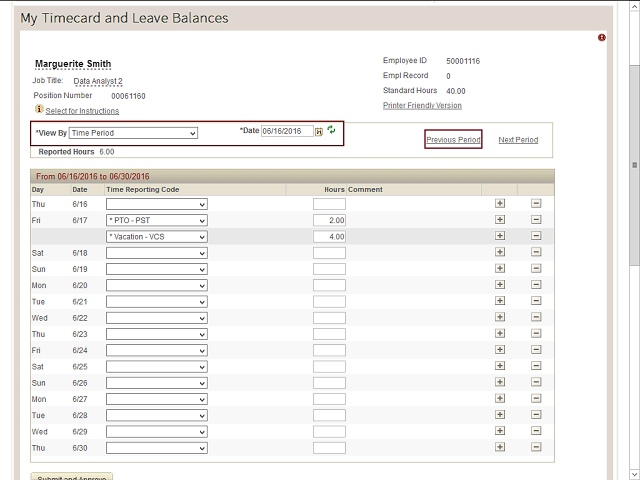
To view your timecard from the previous pay period, click the ‘Previous Period’ link.
To view your timecard for a specific range of dates, select ‘Range of Dates’ in the View By field and then enter the start and end dates of the period that you wish to view. Click the ‘green arrow’ button to refresh the timecard.